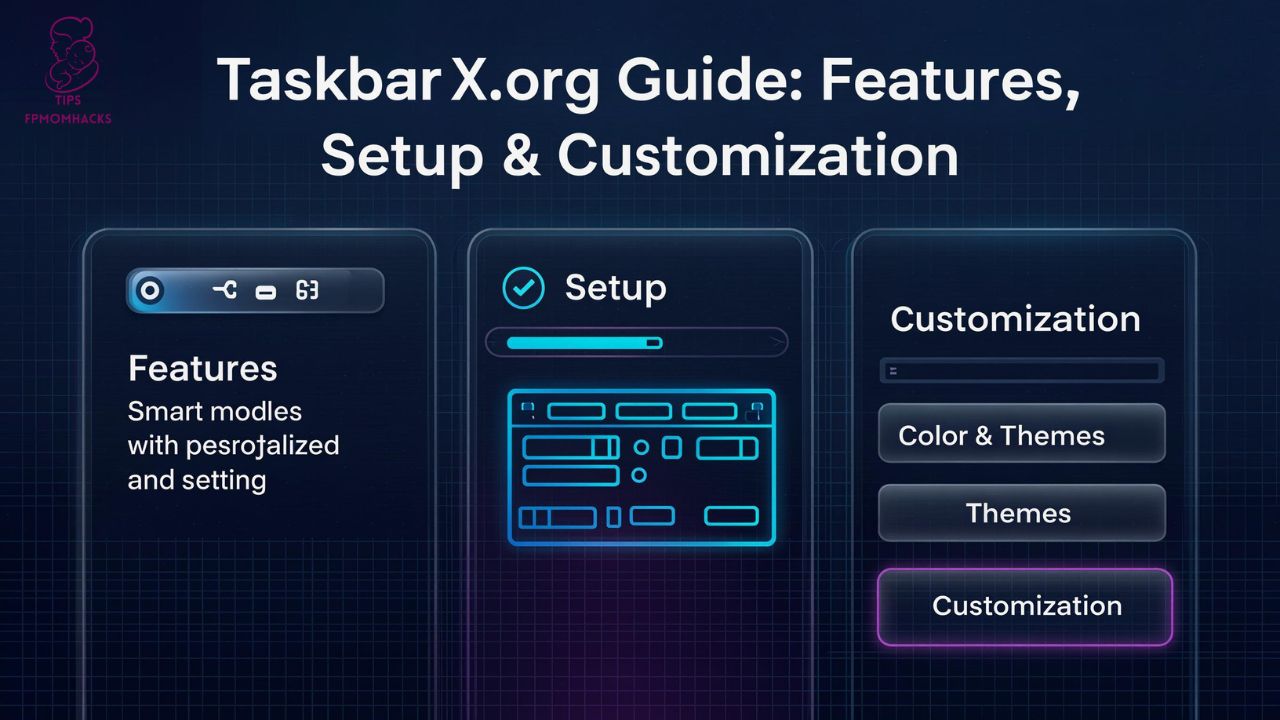
When you first customize your Windows desktop, something subtle but powerful happens—you start feeling more in control. That’s exactly where taskbarx.org enters the picture. If you’ve ever wished your Windows taskbar looked more like macOS, or simply cleaner and more modern, you’re not alone.
In fact, millions of Windows users search for personalization tools every year. According to Microsoft usage statistics, Windows 10 and Windows 11 still dominate global desktop operating systems. Yet out of the box, the taskbar feels… predictable. This is where taskbarx.org becomes a surprisingly transformative tool. It doesn’t just change alignment—it reshapes how you interact with your desktop environment.
Let’s unpack what makes this platform so interesting, how it works, and whether it’s worth installing.
What Is taskbarx.org?
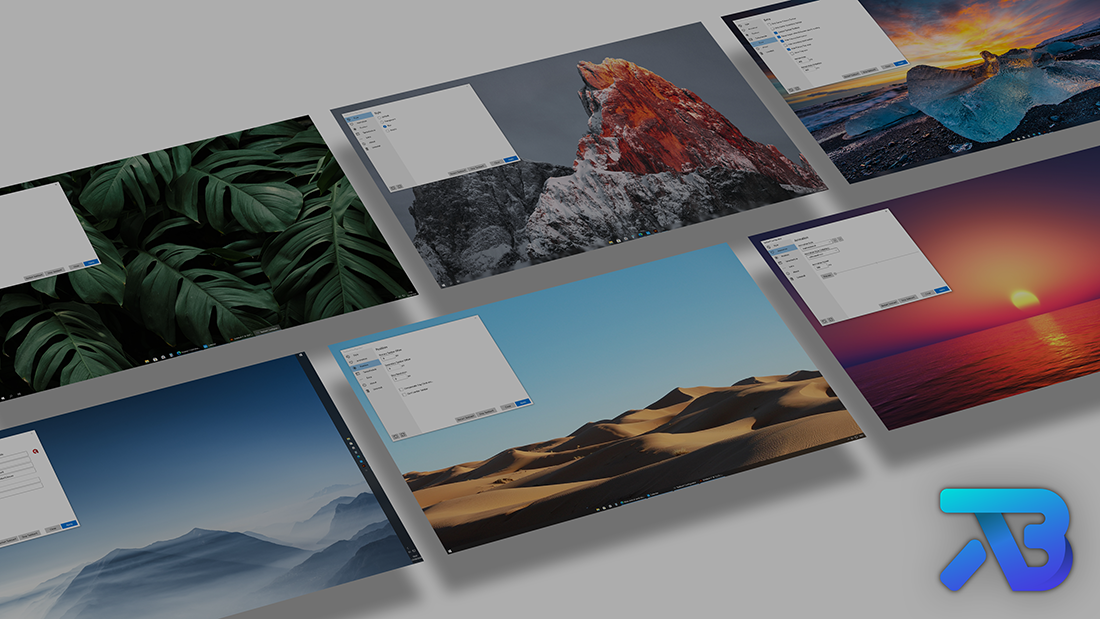
At its core, taskbarx.org is a website dedicated to distributing TaskbarX—a Windows customization utility that centers taskbar icons and adds animation effects. Originally known as FalconX, the tool gained popularity among Windows 10 users seeking a macOS-style centered dock aesthetic.
Unlike built-in Windows customization settings, this utility manipulates taskbar alignment dynamically. It shifts running applications smoothly to the center without altering core system files.
Why It Became Popular
- Windows 10 initially lacked centered icon options.
- Users wanted minimal, symmetrical UI layouts.
- The aesthetic trend toward clean, centered interfaces was rising.
When Windows 11 launched with built-in centered icons, interest didn’t disappear. Instead, users turned to taskbarx.org for animation control, transparency tweaks, and fine-grained behavior settings that Windows still doesn’t provide natively.
How taskbarx.org Works Behind the Scenes
To understand its appeal, we need to talk about architecture.
TaskbarX operates by calculating taskbar icon positions in real time. Instead of modifying system DLLs or patching Windows Explorer directly, it:
- Monitors open applications.
- Calculates total width of active taskbar icons.
- Repositions them using Windows APIs.
- Applies animation timing curves.
This approach makes it lightweight and reversible. If you disable it, the taskbar simply returns to default alignment.
From a technical standpoint, that’s elegant design.
Key Features of taskbarx.org
Here’s where things get interesting. The functionality goes beyond simple centering.
1. Dynamic Centering
Icons shift smoothly depending on how many apps are open. Close an app? The remaining icons adjust fluidly.
2. Custom Animations
You can control:
- Animation speed
- Transition style
- Delay intervals
Subtle? Yes. But once you experience it, going back feels clunky.
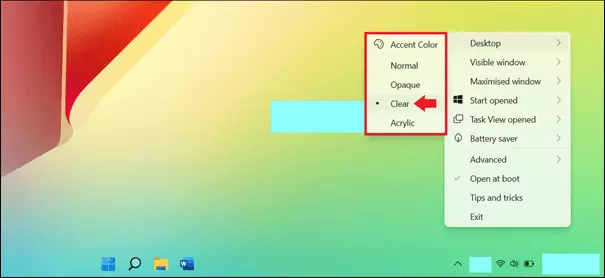
3. Transparency Options
You can apply:
- Acrylic blur
- Fully transparent taskbar
- Gradient effects
- Custom opacity levels
4. Multi-Monitor Support
For users running dual or triple monitor setups, alignment can be configured per screen.
5. Portable Mode
You don’t always need installation. A portable version allows testing without permanent changes.
Installation & Setup Guide
Setting up through taskbarx.org is straightforward.
Step 1: Download
Visit the official site and download the latest version.
Step 2: Extract Files
If using the portable edition, extract the archive.
Step 3: Run Configuration
Launch the configuration utility before starting TaskbarX. This allows you to set:
- Centering behavior
- Animation speed
- Transparency mode
- Startup settings
Step 4: Enable Auto Start (Optional)
To maintain centered icons after reboot, enable startup mode.
Performance Impact & System Requirements
One common concern is performance.
Here’s a quick breakdown:
| Metric | Impact |
|---|---|
| CPU Usage | Minimal (usually under 1%) |
| RAM Usage | 10–30 MB |
| Startup Delay | Negligible |
| GPU Usage | None significant |
In reality, unless you’re running extremely limited hardware, you won’t notice a performance hit.
However, older systems running heavy customization themes might experience slight visual lag.

Personalization Possibilities
Desktop customization is more than aesthetics—it affects mood and workflow.
Many productivity enthusiasts pair taskbarx.org with:
- Custom icon packs
- Rainmeter widgets
- Wallpaper engines
- Dark themes
For example, a minimalist black wallpaper combined with centered icons and transparent taskbar creates a distraction-free workspace. Designers and developers often prefer this setup.
On the other hand, gamers enjoy animated transitions that add subtle polish.
Security & Legitimacy Considerations
Is taskbarx.org safe?
The tool doesn’t inject malicious code or request system-level administrative patches beyond standard permissions. However:
- Always download from official sources.
- Avoid third-party mirror sites.
- Verify digital signatures when possible.
Like any customization software, caution matters.
Alternatives to taskbarx.org
While popular, it’s not the only option.
Windows 11 Native Centering
Built-in alignment, but limited animation control.
StartAllBack
Advanced Windows 11 customization suite.
Rainmeter
Full desktop widget ecosystem.
ExplorerPatcher
Deep Windows shell customization.
Each tool serves a slightly different user base.
Pros and Cons
Pros
- Lightweight
- Reversible
- Highly customizable
- Smooth animations
- Multi-monitor compatible
Cons
- Limited functionality on Windows 11 (due to native centering)
- Occasional compatibility updates required
- Requires manual configuration
Frequently Asked Questions
What does taskbarx.org actually do?
It provides access to TaskbarX, a utility that centers taskbar icons and adds animation effects in Windows.
Is taskbarx.org free?
Yes, a free version is available. Some versions may be distributed via Microsoft Store for a small fee.
Does it work on Windows 11?
Yes, though Windows 11 already supports centered icons natively. TaskbarX adds animation and transparency features.
Will it slow down my PC?
For most systems, performance impact is negligible.
Is taskbarx.org safe to download?
If downloaded from the official source, it is generally safe. Always verify file authenticity.
Can I uninstall it easily?
Yes. Simply disable or remove the program, and Windows reverts to default alignment.
Does it modify system files?
No permanent modification is made to core Windows files.
Does it support multiple monitors?
Yes, alignment can be configured per display.
Conclusion
Customization isn’t just about appearance—it’s about ownership. taskbarx.org gives users a way to reshape their Windows experience without complex hacks or risky modifications. It’s lightweight, intuitive, and surprisingly satisfying once configured.
If you value a clean desktop, subtle animations, and control over your workspace, this tool is worth exploring. Just remember: personalization should enhance productivity, not distract from it.
And sometimes, centering a few icons can make your whole digital life feel more balanced.